Programming a garage door remote might seem intimidating at first, but learning how to program garage door remote correctly makes it a straightforward process that anyone can master. As someone who has helped countless homeowners troubleshoot and program their garage door remotes, I’ve realized that a few small mistakes can lead to hours of frustration. In this guide, I’ll share practical steps, safety tips, and real-life experiences to make programming your garage door remote simple and stress-free.
Whether you’re using a universal garage door remote or a brand-specific one like Chamberlain, LiftMaster, or Craftsman, this guide will give you the confidence to get your remote working perfectly.
Content
Understanding Your Garage Door Remote: How to Program Garage Door Remote
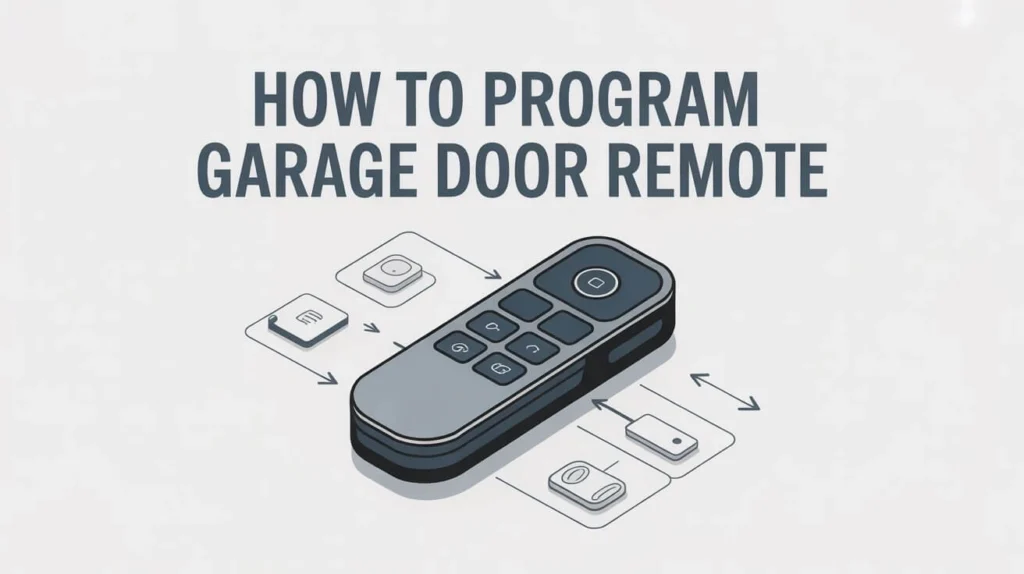
Before you start, it’s important to understand your remote and garage door opener system to ensure a smooth programming process. Knowing how to program garage door remote depends on the type of remote you have, whether it’s a standard, universal, or smart remote. Each type communicates differently with the garage door opener, so identifying your remote is the first step to successful programming.
Garage door remotes come in various types:
Standard remotes: These are the most common, simple remotes that communicate directly with your garage door opener using a fixed code.
Universal remotes: Designed to work with multiple brands, these remotes often require additional setup and sometimes frequency tuning.
Smart remotes: These connect to Wi-Fi and allow you to operate your garage door from a smartphone app.
Tip: Knowing your remote type ensures you follow the right programming steps and avoid confusion. For example, when learning How to Program Garage Door Remote systems, it’s important to understand that universal remotes often require different setup procedures than a standard Chamberlain remote. This helps you avoid errors, save time, and program your opener correctly on the first try.
Preparing to Program Your Garage Door Remote
Before you press any buttons, preparation is key. Here’s what you need to do:
Safety first: Ensure the garage door is closed and there are no obstructions. Avoid standing directly under the door during programming.
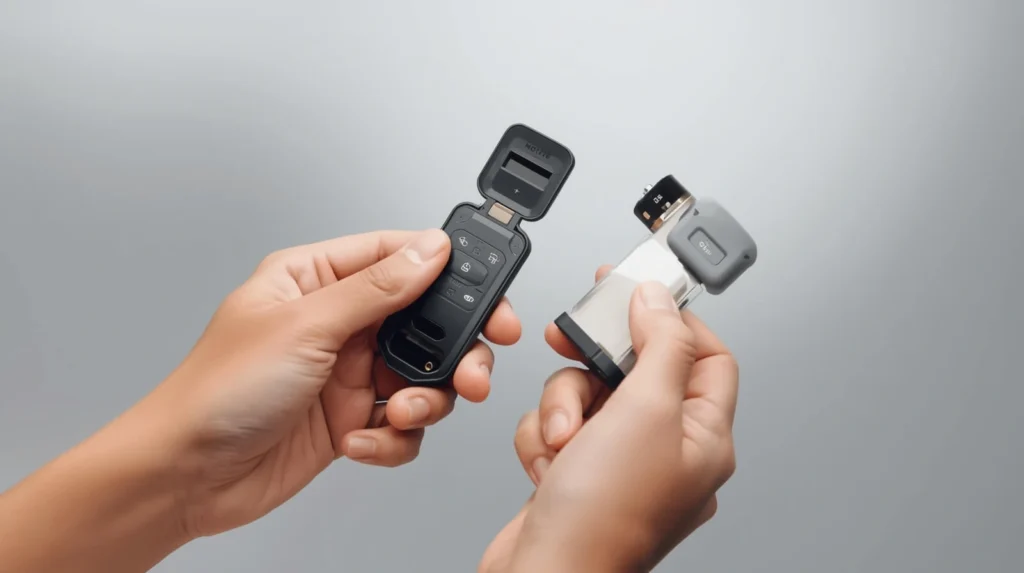
Check batteries: A weak battery in your remote can cause programming failure. Replace the batteries if necessary.
Identify your garage door opener model: Some remotes require knowledge of the opener type, whether it’s a rolling code system or fixed code system.
Gather necessary tools: Most remotes do not require tools, but a ladder can be helpful for reaching the “Learn” button on ceiling-mounted openers.
Real-life scenario: Last year, a client of mine kept failing to program their garage door remote. The problem? The battery inside the remote was almost dead. After replacing it, the remote synced instantly. Paying attention to small details like this can save you a lot of time and frustration when learning how to program garage door remote.
Step-by-Step Guide to Program Your Garage Door Remote
Here’s the core process for programming your remote, giving you a clear understanding of how to program garage door remote effectively.
Step 1: Locate the Learn Button
Most garage door openers have a “Learn” or “Program” button on the motor unit. Look for a small square button, often near the antenna wire. It may be colored purple, red, orange, or green depending on your brand and frequency.
Step 2: Press the Learn Button
Press the button once. An indicator light usually starts blinking. This means the opener is in programming mode.
Step 3: Activate the Remote
Within 30 seconds of pressing the Learn button, press and hold the button on your remote control that you want to program. The indicator light on the opener may blink, flash, or stay steady to confirm successful programming.
Step 4: Test the Remote
Press the remote again to ensure the door opens and closes properly. If it doesn’t work, repeat the process to complete How to Program Garage Door Remote steps successfully.
Pro tip: Some garage door openers require you to press the Learn button twice, depending on the brand or model. If your remote doesn’t respond immediately, check your manufacturer’s manual to make sure you are following the correct steps for how to program garage door remote.
Programming Multiple Remotes
If you have more than one remote, you can program them all to the same opener. Here’s how:
Repeat the programming steps for each additional remote.
Avoid pressing multiple remotes simultaneously, as this may cause interference.
If a remote stops working after programming another, you may need to reset all remotes and reprogram them in sequence.
Programming multiple garage door remotes at home is easy when you follow these simple steps, saving you a trip to a dealer.
How to Program Garage Door Remote: Troubleshooting Common Issues
Even with the right steps, problems can occur. Here’s how to address some common issues:
Remote not responding: Check the battery, ensure you’re within range, and verify that the opener is compatible with your remote.
Indicator light not working: This might indicate a malfunctioning opener or remote. Try resetting the opener.
Remote works intermittently: Interference from other devices or weak batteries can cause inconsistent performance.
Garage door remote setup problems are common, but usually solvable with simple troubleshooting techniques.
Safety and Maintenance Tips
Keeping your garage door remote functioning well involves more than just programming:
Replace batteries regularly to avoid unexpected failures.
Keep remotes away from children or pets.
Inspect your garage door opener periodically for wear and tear.
Consider upgrading to a smart garage door remote for enhanced convenience and security.
Pro tip: Smart remotes often have built-in alerts and can be programmed remotely, making them perfect for busy homeowners.
Real-Life Case Study
A few months ago, a client contacted me because their garage door remote suddenly stopped working. They had tried pressing every button, changing batteries, and even purchasing a new remote. After inspecting the system, I discovered that their garage door opener had been replaced a few years ago, and the new opener used a different rolling code system than the old one.
By carefully following the steps to program their garage door remote, we were able to sync the new remote to the opener in less than 10 minutes. The client was relieved and learned the importance of knowing their opener type and frequency before attempting any DIY programming and understanding how to program garage door remote correctly.
Conclusion: How to Program Garage Door Remote
Programming a garage door remote doesn’t have to be complicated. By understanding your remote type, preparing your system, and following step-by-step instructions, you can program your garage door remote and have a fully functional garage door in no time. Remember to check batteries, maintain your opener, and consider upgrading to smart remotes for added convenience.
Whether you’re programming a single remote or multiple remotes, following these steps ensures your universal garage door operates smoothly and securely while giving you confidence in how to program a garage door remote correctly.
FAQs
How do you program a garage door opener remote?
Follow the steps in our guide to program a garage door remote safely and efficiently.
How to program a garage roller door remote?
Use the Learn button on your opener and sync the remote following the step-by-step instructions.
Can any remote be programmed to a garage door?
Only compatible or universal remotes can be synced with your garage door opener.
How do I reset my garage door remote?
Press the Learn button on the opener and follow the reset steps to reprogram your remote.